WeddingWedding Photo to Video
Bring a wedding photo to life: the veil moves in the wind, the couple turns to each other, the camera circles them. A short clip for the thank-you post or the anniversary later.
Make yours
Short answer
Clipanimo turns one wedding photo into a short clip: the veil moves in the wind, the couple turns to each other, the camera circles them, or confetti and petals fall as they walk out. It suits a thank-you post after the wedding, a story, or a clip for your first anniversary. You need one photo of the couple, both adults and both fine with it, with faces clear.
Ideas you can copy
The veil in the wind
The classic wedding shot: the veil lifts and the camera circles slowly.
“The bride and groom turn to each other and smile, the veil moves softly in the wind, the camera slowly circles them”
Petals as you walk out
For an aisle or exit photo: petals rain down as you walk.
“The couple walks toward the camera hand in hand as flower petals fall around them, guests cheer, bright joyful light”
First dance
For a reception photo: a slow turn on the dance floor.
“The bride and groom slow dance on the dance floor, turning gently, warm string lights and soft haze around them”
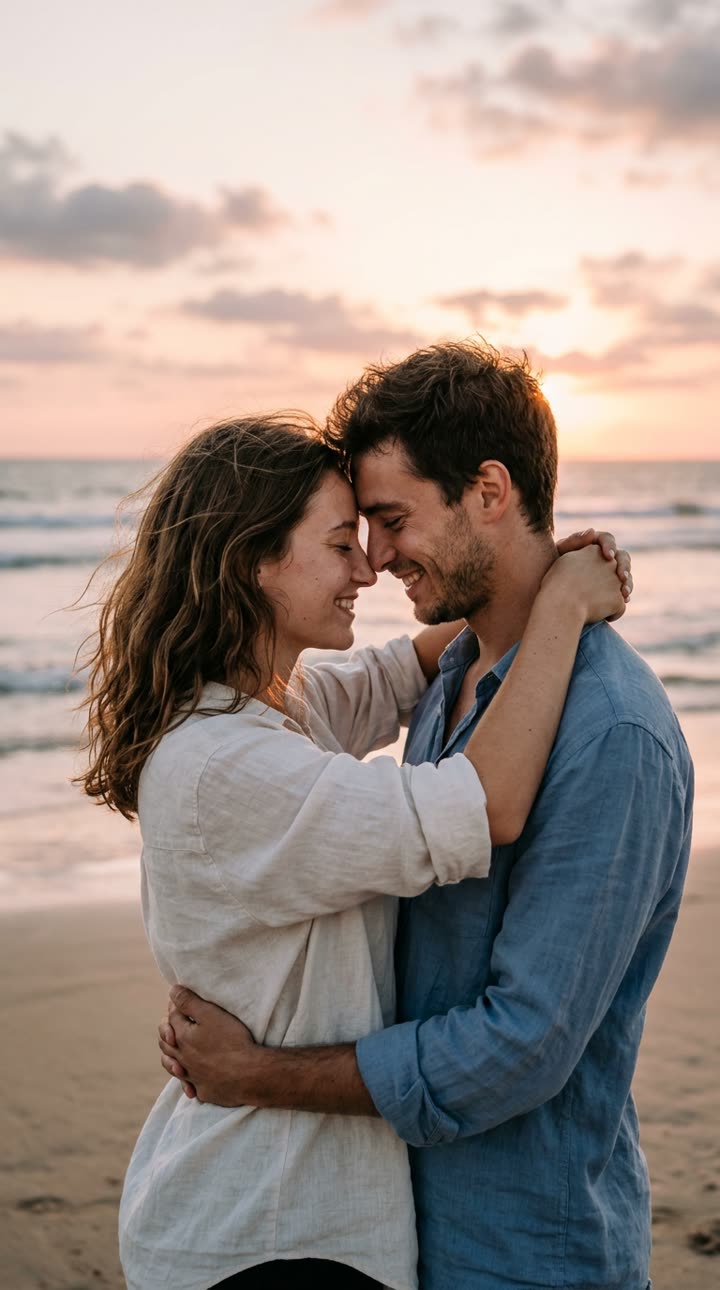
The kiss
For a ceremony photo: the moment you lean in.
“The bride and groom lean in and kiss, then smile at each other, the camera slowly pushes in, soft golden light”
Dress twirl
For a full-length photo of the bride: the skirt spins out.
“The bride twirls slowly and her dress flows out around her, she laughs, golden hour light in a garden”
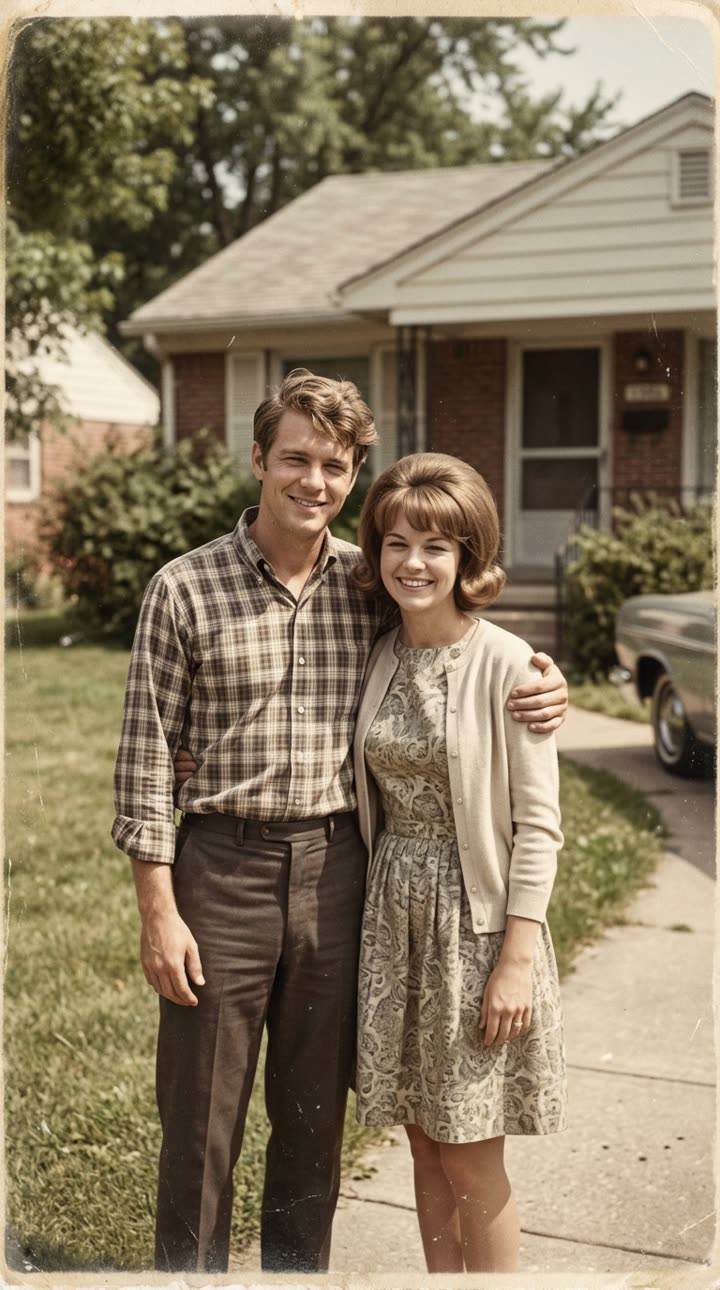
Parents' wedding photo
Bring your parents' or grandparents' wedding photo to life for their anniversary, with their permission.
“The couple in the old wedding photo smile and turn to each other, gentle natural motion, soft vintage film look”
How to make it
- 01
Choose the photo
One photo of the couple with both faces clear. Wide shots that show the full dress give the model room for fabric and veil motion.
- 02
Write the moment
Describe one action, like a turn, a kiss or a twirl, or copy a prompt from this page.
- 03
Pick a model
Cinematic keeps fabric, lace and light detail best. Pro is a good middle option.
- 04
Share it
The video is ready in 1 to 5 minutes and waits in My videos. Download the MP4 with no watermark.
Photo tips
- Wide shots with the full dress and veil work better than tight crops for fabric motion.
- Both faces should be visible; a face hidden behind the veil can come out changed.
- Name what should move: "the veil", "the dress", "the petals". Unnamed details may stay still.
- Your photographer's edited photos are usually sharp and well lit; ask them before posting AI versions of their work.
- Keep the background simple if guests are in it; extra people can move or change.
- For a group photo with the wedding party, use one shared action like a cheer.
How to make it
Bring a wedding photo to life: the veil moves in the wind, the couple turns to each other, the camera circles them. A short clip for the thank-you post or the anniversary later.
Questions
Can I use photos from our photographer?
Yes, they make good input. Check your agreement with the photographer before posting an edited or AI version of their work.
Can I include the whole wedding party?
Yes, from one group photo, if everyone in it is an adult who agreed. Flower girls, ring bearers and other kids cannot be in the photo.
Can it animate the veil and dress?
Yes. Name them in the prompt. Cinematic keeps fabric and lace detail best.
Can I use my parents' wedding photo?
Yes, with their permission. It makes a thoughtful anniversary gift.
Can it add our first-dance song?
You cannot pick a song inside Clipanimo. Some models add ambient music; add your song in an editor or from the platform's music library.
Can I show it at the reception?
Yes. It is a normal MP4 file. Make it a few days ahead and test it on the screen you will use.
What if our faces come out wrong?
Use a photo with clearer, larger faces and try Cinematic. You can redo an unsatisfying video once for free with the same settings.
Should we label it as AI?
Yes. It is a generated scene, not footage from the day, so an AI label avoids confusion with your real wedding video.