Mother's DayMother's Day Video from a Photo
Turn a photo of mom into a short Mother's Day clip: she laughs, flower petals drift past, the camera moves in slowly. Works with new photos and with old prints of her when she was young.
Make yours
Short answer
Clipanimo turns one photo of your mom into a short Mother's Day clip: she laughs, flower petals drift past, the camera moves in slowly. It works with a recent photo or an old print of her as a young woman, and it makes a warm message to send her or a post for the day. You need one clear photo of her face, and it is best to make it with her knowing.
Ideas you can copy
Her laugh
A simple, warm moment: she laughs and looks at the camera.
“She laughs warmly and looks at the camera, flower petals drift past, the camera slowly moves closer, soft spring light”
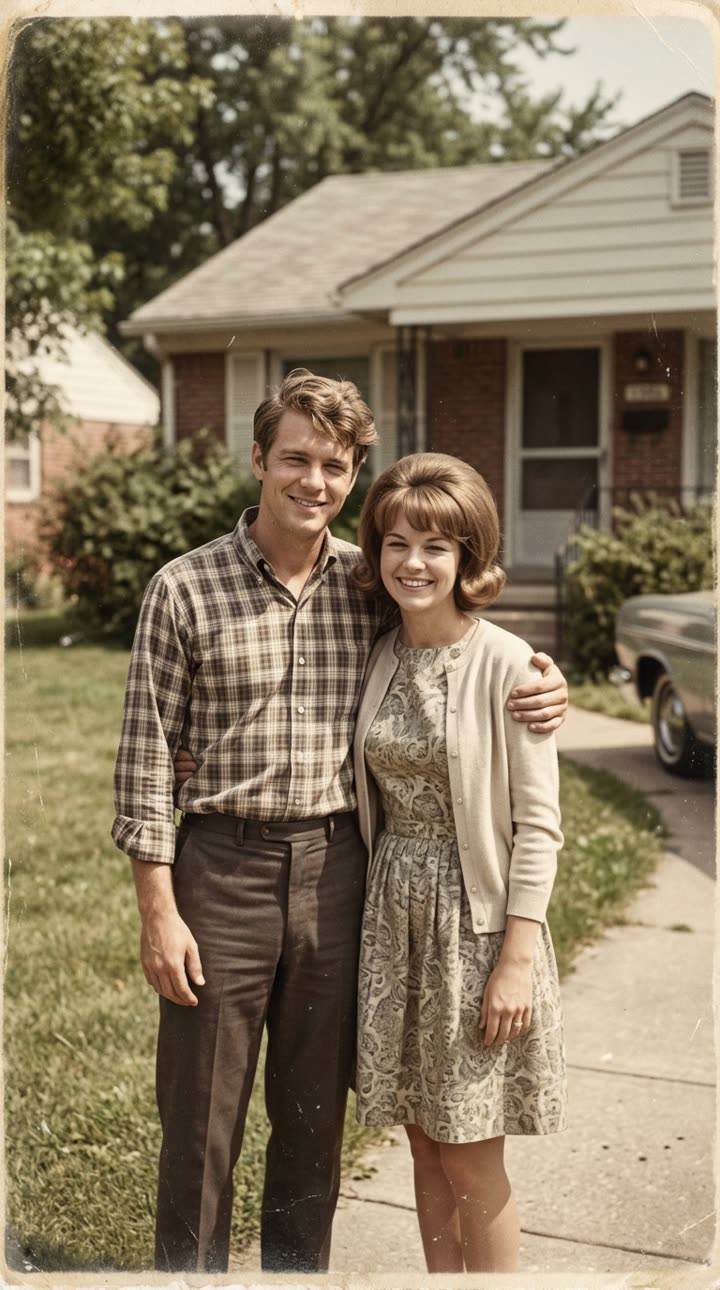
Mom when she was young
Scan an old photo of her in her twenties and let it move.
“The young woman in the old photo smiles and tucks her hair behind her ear, a light breeze, soft vintage film look”
Flowers in her hands
For a photo with a bouquet: she lifts the flowers and smells them.
“She lifts the bouquet of flowers, smells them and smiles, sunlight comes through the window behind her, gentle motion”
In her garden or kitchen
Her favorite place, with a little life added.
“She looks up from her garden, smiles and waves at the camera, leaves sway in a light breeze, warm afternoon light”
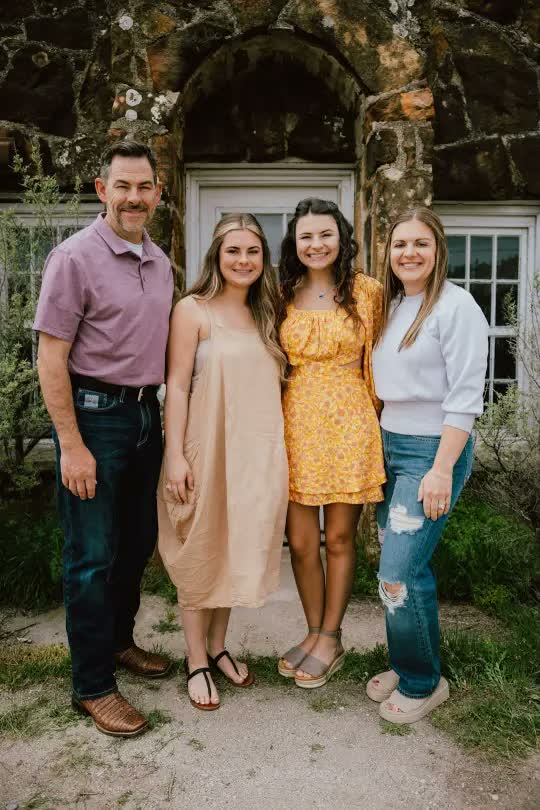
You and mom together
For a photo of the two of you: a hug and a smile.
“Mother and daughter hug and smile at the camera, she gently pats her daughter's arm, warm soft light”
Petals and a slow push-in
Keep her face still and let the scene move around her.
“Pink petals fall slowly around her as the camera gently pushes in, she blinks and smiles softly, soft spring light”
How to make it
- 01
Pick her photo
One clear photo with her face well lit. A recent photo, an old scan, or a photo of the two of you (both adults) all work.
- 02
Write the moment
Describe one gentle action, like a laugh or a hug, or copy a prompt from this page.
- 03
Pick a model
Standard is often enough for a smile. Pro or Cinematic keeps faces and light more detailed, especially in old photos.
- 04
Send it to her
The video is ready in 1 to 5 minutes and waits in My videos. Download the MP4 with no watermark.
Photo tips
- Pick a photo where her face is clear and evenly lit, not in deep shadow.
- Old prints work: lay them flat near a window and photograph them without flash.
- Keep facial motion small: a smile, a laugh, a blink. Big actions can change how she looks.
- Let the background carry the feeling: petals, sunlight, a garden breeze.
- If you want her to look the same age as in the photo, say "keep her age and face the same".
- Use only photos of her as an adult, even for old photos.
How to make it
Turn a photo of mom into a short Mother's Day clip: she laughs, flower petals drift past, the camera moves in slowly. Works with new photos and with old prints of her when she was young.
Questions
Can I use an old photo of my mom?
Yes, as long as she was an adult in the photo. Scan or photograph the print in good light.
Can I make one with me and my mom together?
Yes, from one photo with both of you in it, if both of you were adults when it was taken.
Should I ask my mom first?
It is best to. Only upload photos of adults who agreed, and she will likely enjoy knowing how it was made.
Can I add "Happy Mother's Day" on the video?
The models do not write text reliably. Add a caption or sticker in your editor or when you post.
Can I make a Mother's Day video for a mom who has passed away?
Yes. Use a gentle prompt, like a smile or a blink. The memorial page has more on making this kind of video.
Will it change how she looks?
Gentle prompts keep her face closest to the photo. If it does not look like her, you can redo it once for free with the same settings.
Can I make it the morning of Mother's Day?
Yes. Most videos are ready in 1 to 5 minutes, and you can close the page while it works.
What happens to her photo?
It is sent only to the video model. Uploaded photos are deleted after 7 days and finished videos after 30 days.