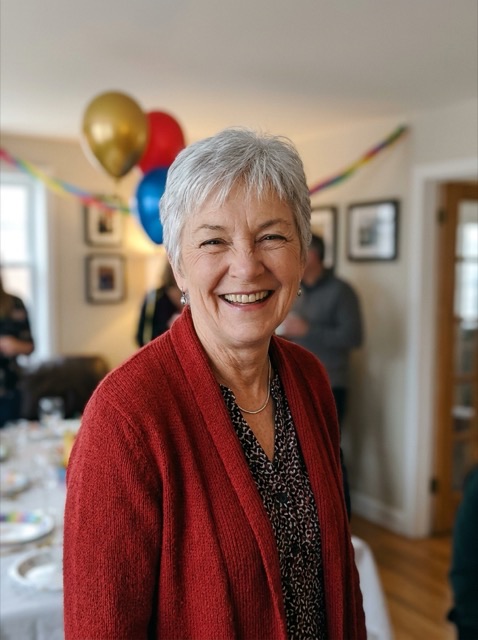
In memoryBring a Photo of a Loved One to Life
Animate a photo of a parent, grandparent or pet you miss: a soft smile, a blink, a small turn of the head. Clipanimo keeps the motion gentle so the face stays theirs. Many people make one for a memorial or an anniversary of their passing.
Make yours
Short answer
Clipanimo can add small, gentle motion to a photo of a parent, grandparent, partner or pet you have lost: a soft smile, a blink, a slight turn of the head. Some people make one to share with family on an anniversary of the passing, for a memorial gathering, or simply to keep. It is an AI-generated clip made from one photo, not a recording, and it cannot say or do anything they did. You need the clearest photo you have of their face.
Ideas you can copy
A soft smile and a blink
The gentlest option, and the one that keeps the face closest to the photo.
“The person smiles gently and blinks, then looks softly at the camera, natural subtle motion, warm light”
A slight turn of the head
A small movement, like they noticed you.
“The person slowly turns their head slightly toward the camera and smiles softly, natural motion, soft daylight”
Only the light and air move
Keep the face almost still and let the scene breathe around them.
“The person stays still with a calm expression, a light breeze moves their hair, soft light shifts across the scene, the camera slowly pushes in”
An old print, kept as it is
For an old photo: small motion, with the original grain and color kept.
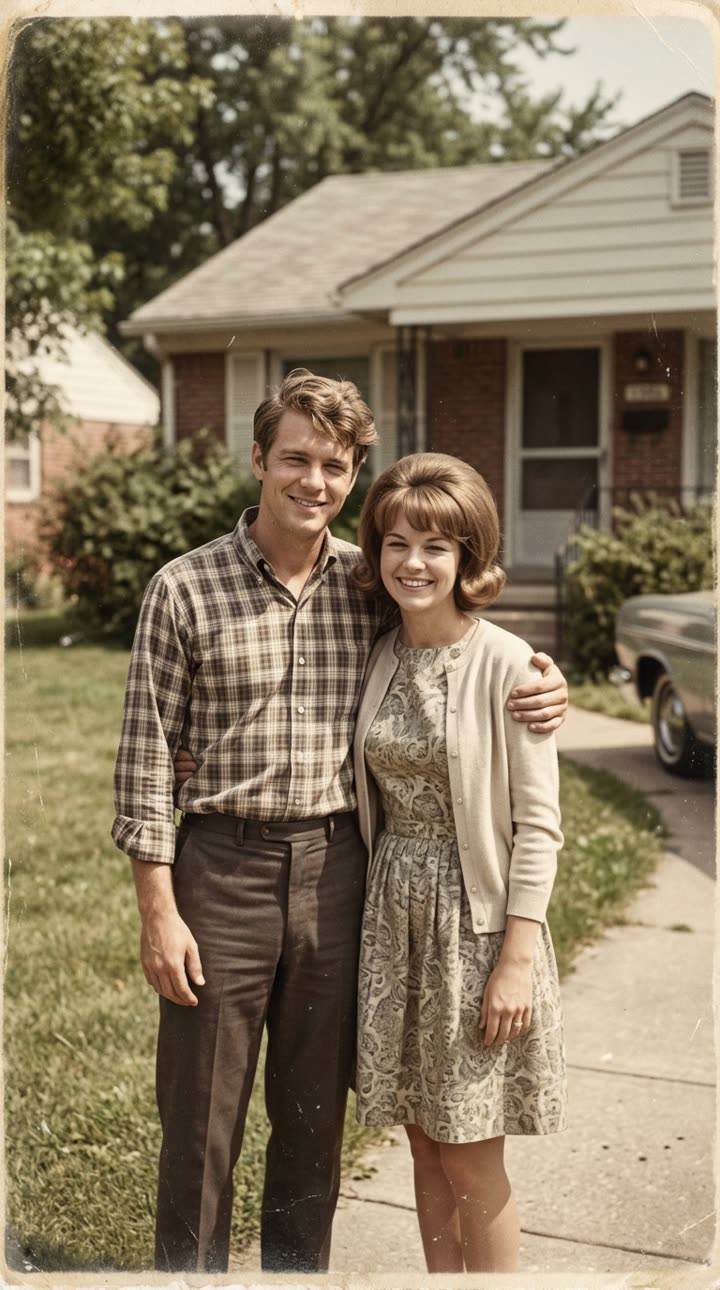
“The person in the old photo blinks and smiles a little, subtle natural motion, keep the black and white and the original film grain”
Two people together
For a photo of your parents or grandparents as a couple.
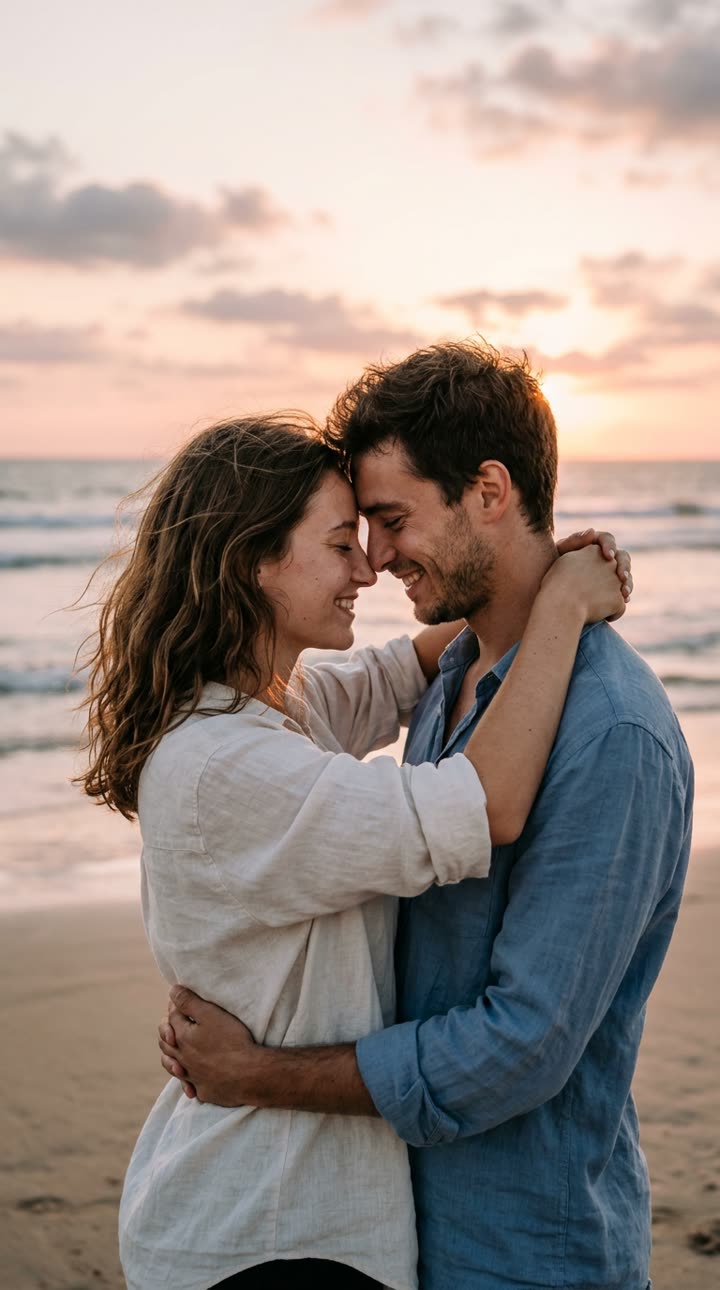
“The two people in the photo smile softly and lean slightly toward each other, gentle natural motion, warm light”
A pet you miss
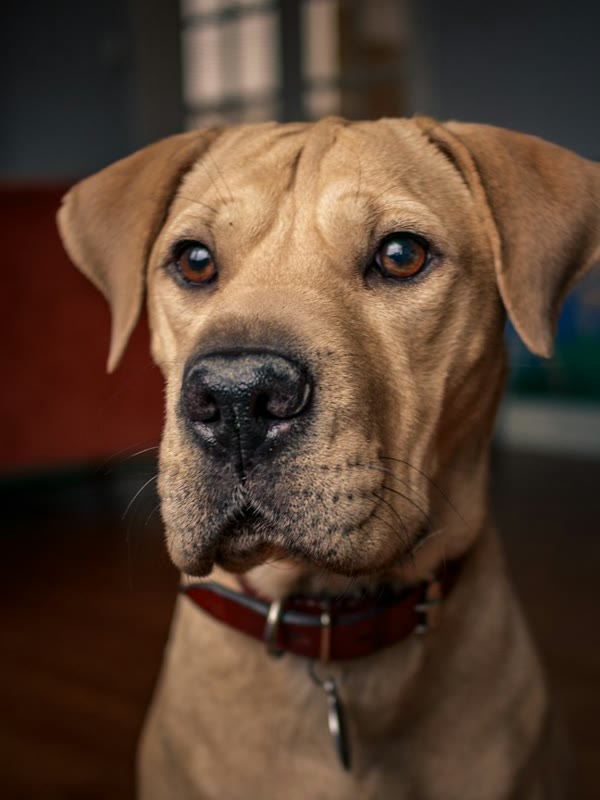
A calm blink or ear twitch for a pet that has died.
“The dog looks at the camera, blinks slowly and its ears twitch, calm and gentle, soft afternoon light”
How to make it
- 01
Choose the clearest photo of their face
One photo where the face is in focus and well lit. Scan or photograph old prints flat, in daylight, without flash.
- 02
Keep the prompt small
Ask for a smile, a blink or a turn of the head, or use one of the prompts on this page. Small motion keeps the face closest to who they were.
- 03
Pick a model
Standard is often enough. Pro or Cinematic holds faces in old or low-quality photos a little better.
- 04
Decide how to share it
The video is ready in 1 to 5 minutes and waits in My videos. Download the MP4 and think about who should see it before you send it.
Photo tips
- Use the clearest photo you have; a small, blurry face is more likely to change.
- Small motion is the safest: big actions like talking or laughing hard can make the face look unlike them.
- Leave out sound if you are unsure; generated voices or noises can feel wrong for this kind of clip.
- Crop to the person you want to animate if the photo has many people.
- Tell family what it is before they watch, so it does not come as a surprise.
- If the result does not feel right, it is fine to stop, or to try once more with a gentler prompt.
How to make it
Animate a photo of a parent, grandparent or pet you miss: a soft smile, a blink, a small turn of the head. Clipanimo keeps the motion gentle so the face stays theirs. Many people make one for a memorial or an anniversary of their passing.
Questions
Will it look like them?
Gentle prompts with a clear photo keep the face closest to the original. It is still a generated clip, so details can differ. If it does not feel right, you can redo it once for free with the same settings.
Can it make them talk or say something?
We do not recommend it, and Clipanimo cannot recreate their voice. The clip shows small motion made by AI, not words or memories that were really theirs.
Is this bringing someone back?
No. It is a short AI-generated animation of one photo. Many people see it as a way to look at a favorite photo a little differently.
Can I use a photo of them as a child?
No. Photos of anyone under 18 are not allowed, including childhood photos of adults. Use a photo of them as an adult.
Who can see the photo I upload?
No one else. It is sent only to the video model that makes your clip. Uploaded photos are deleted after 7 days and finished videos after 30 days, so download the video if you want to keep it.
Can I play it at a memorial service?
You can. It is a normal MP4 file. It helps to check with close family first, since some people find these clips comforting and others do not.
Should I say it is AI?
Yes. Let people know the motion was generated, especially family members, so no one mistakes it for a real recording.
Can I make one for a pet that died?
Yes. Use a clear photo of your pet and a small motion, like a slow blink or an ear twitch.