Image to Video AI
Turn any photo into a short video with sound. Upload a picture, say what should move, and get a clip in 1–5 minutes.
- From $0.74 per video · packs from $9.90
- Refunded if it fails
- No watermark
- No subscription
Trending effects · from 75 credits
All effects →Tap a photo. Watch it move.
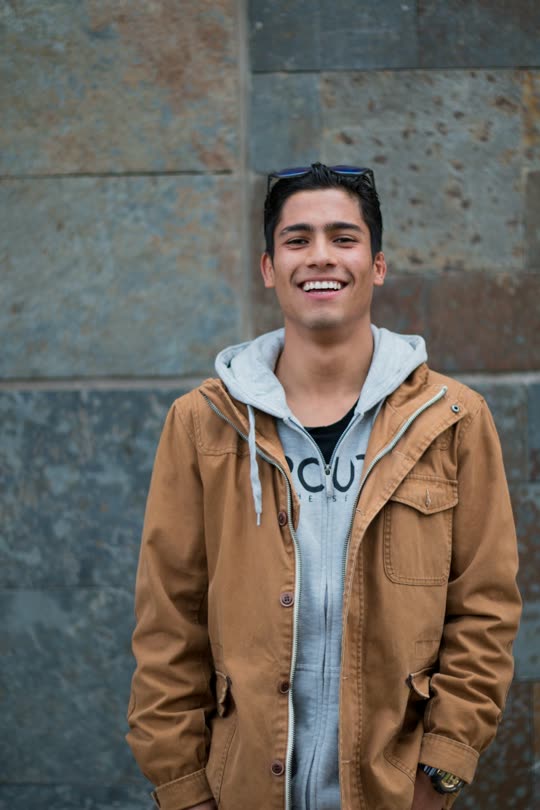
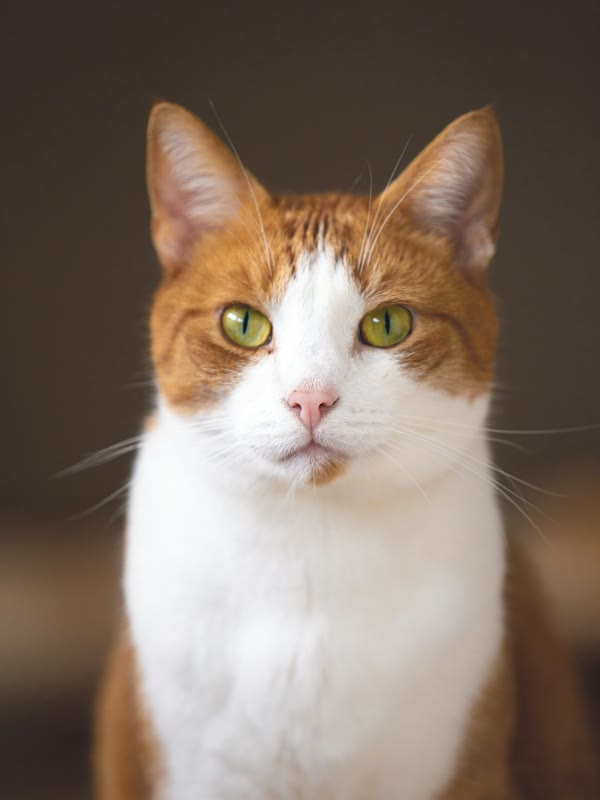
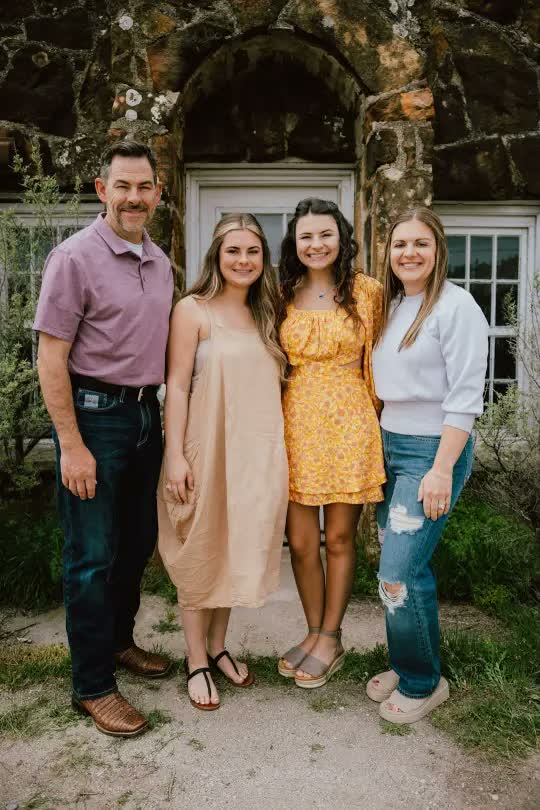
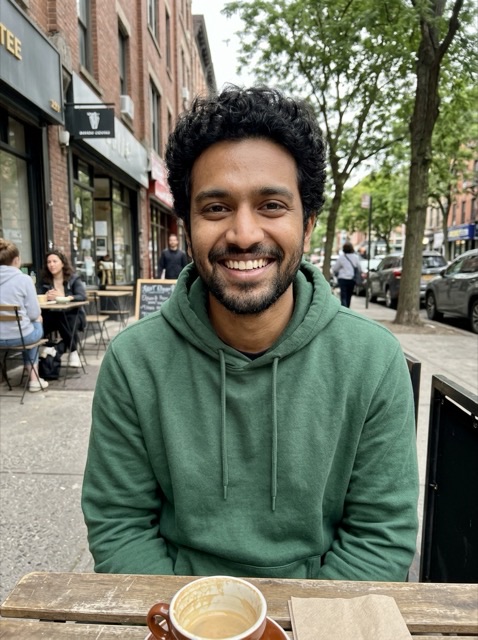
Every clip here started as one still photo. Tap or hover to see the video.
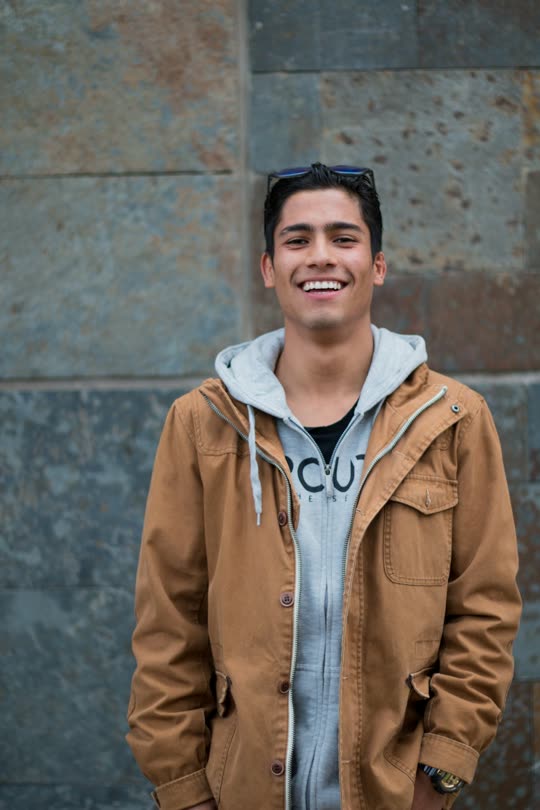 PHOTO
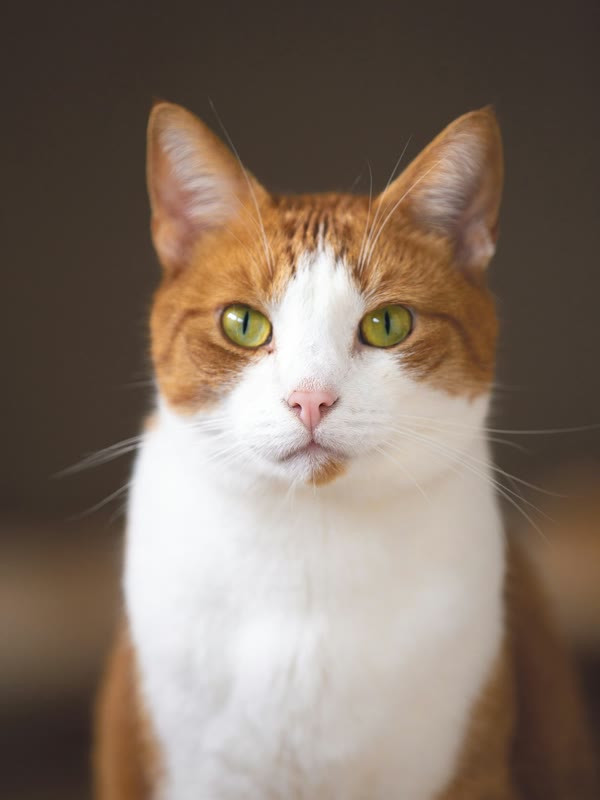 PHOTO
 PHOTO
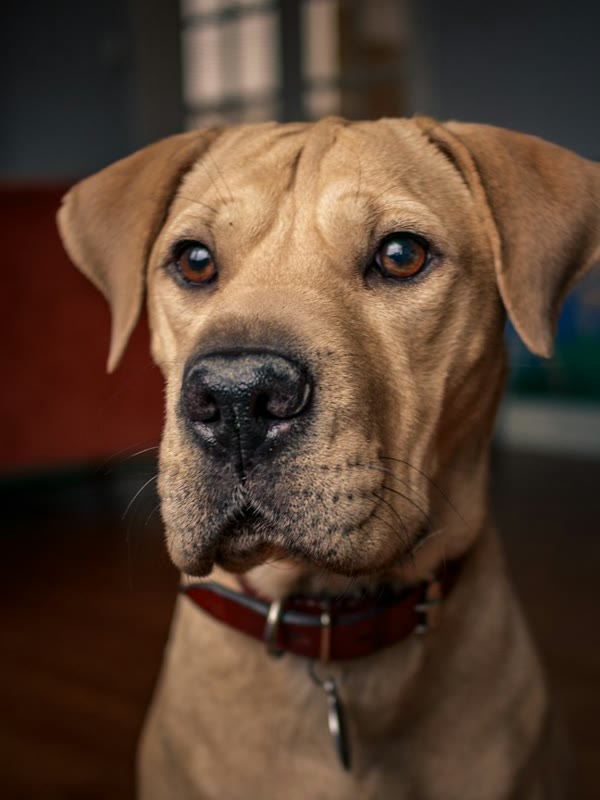 PHOTO
 PHOTO
 PHOTO
 PHOTO
 PHOTO
 PHOTO
 PHOTO
 PHOTO
 PHOTO
 PHOTO
Same photo, different models
One photo and one prompt, run through each model. Real results, not edited.
What people make


Popular models
Compare models →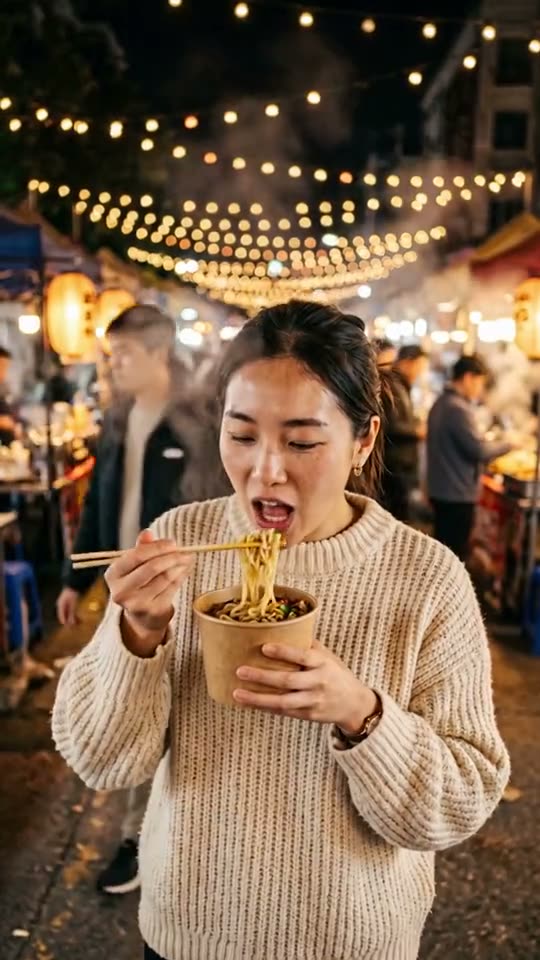 xAIGrok ImagineStandard15 credits · 6–10s
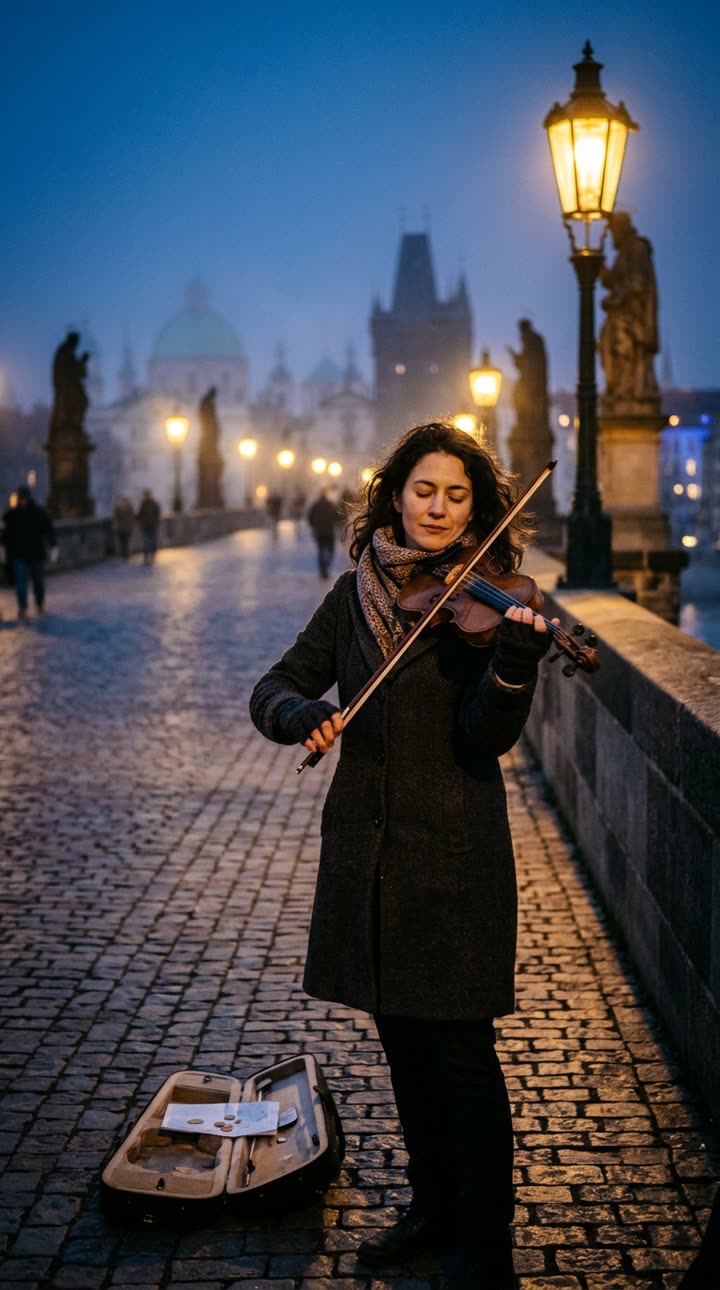 GoogleVeo 3.1 FastStandard25 credits · 6–8s
 MiniMaxHailuo 2.3Standard15 credits · 6–10s
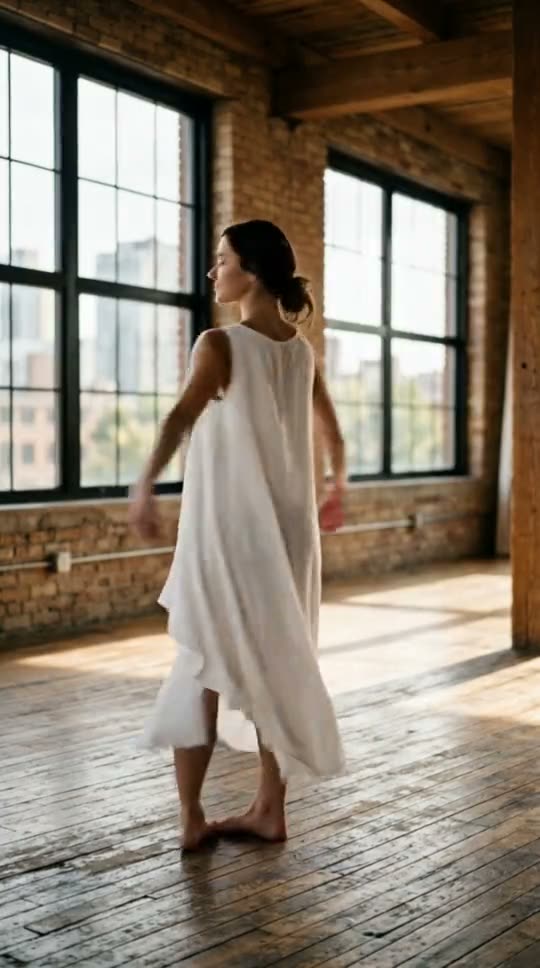 KuaishouKling 3.0Pro60 credits · 5–10s
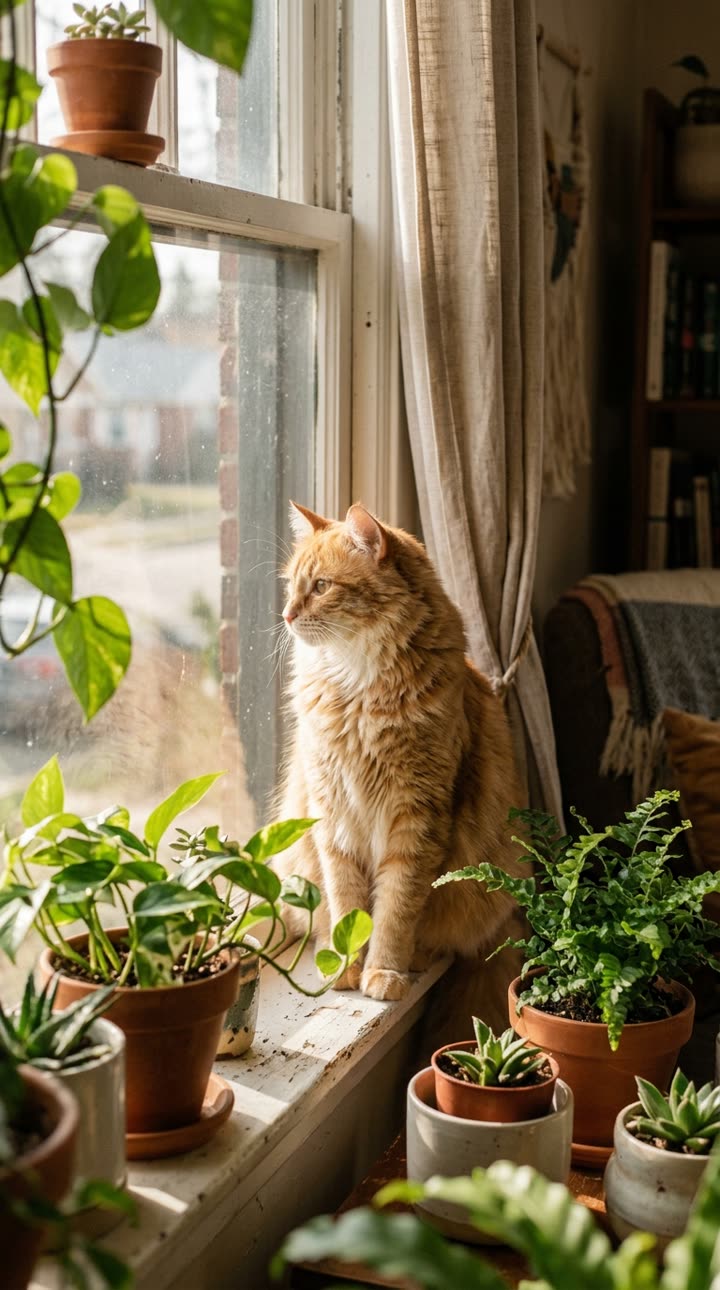 AlibabaWan 2.6Pro40 credits · 5–10s
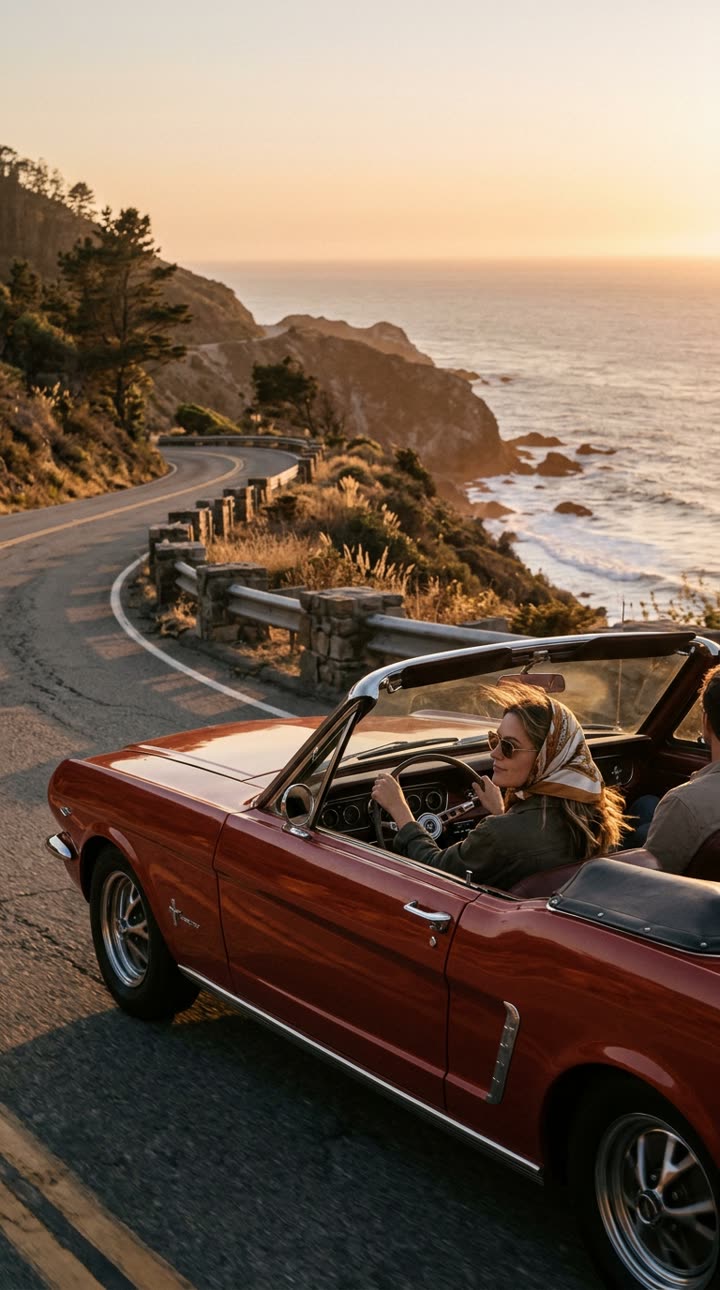 ByteDanceSeedance 2.0Cinematic140 credits · 5–10s
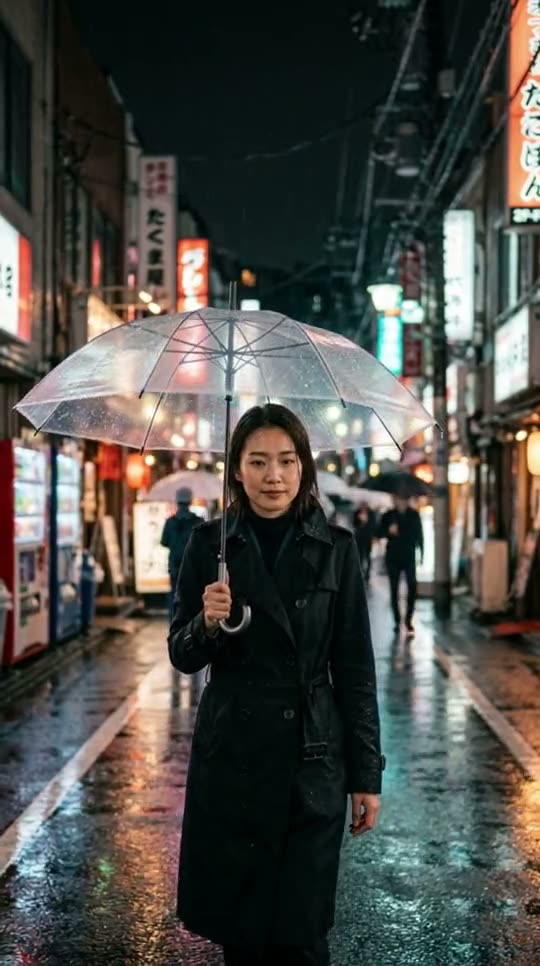 KuaishouKling 4.0Pro75 credits · 5–10s
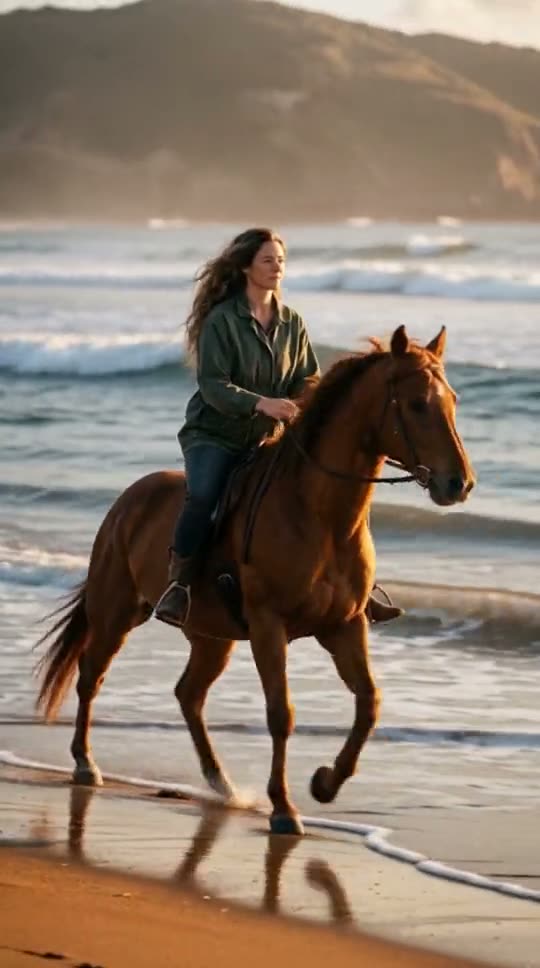 ByteDanceSeedance 2.5Cinematic160 credits · 5–10s
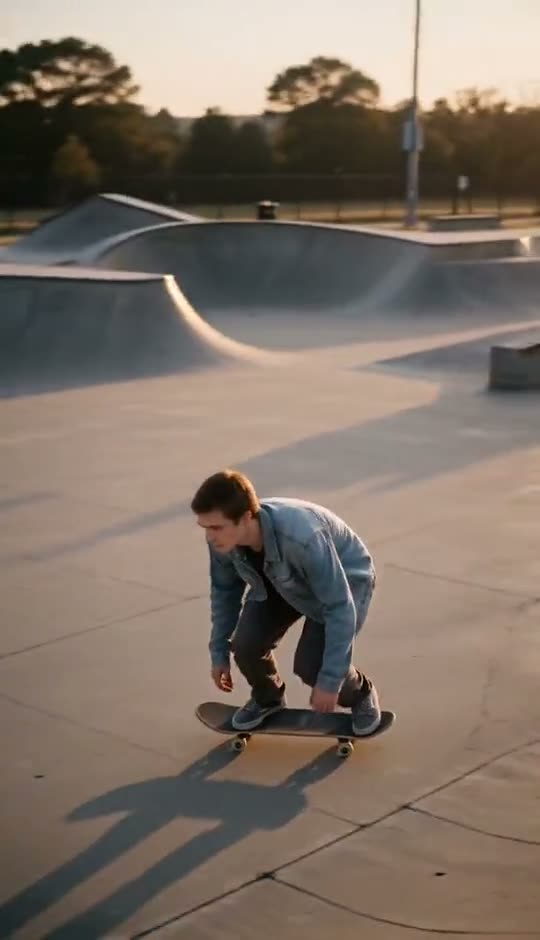 ByteDanceSeedance 2.0 FastPro65 credits · 5–10s
 AlibabaWan 3.0Pro45 credits · 5–10s
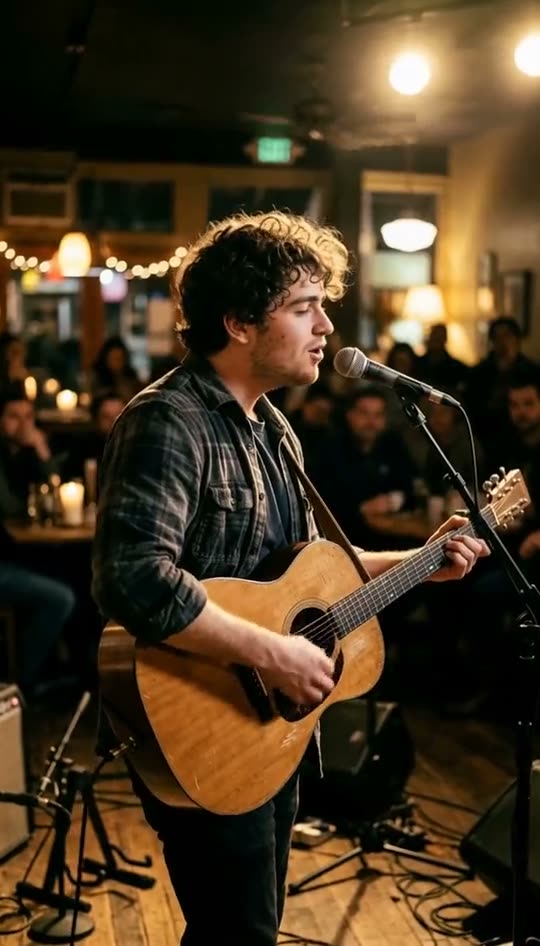 MiniMaxMiniMax H3Pro25 credits · 6–10s
 PixVersePixVerse V6Standard25 credits · 5–10s
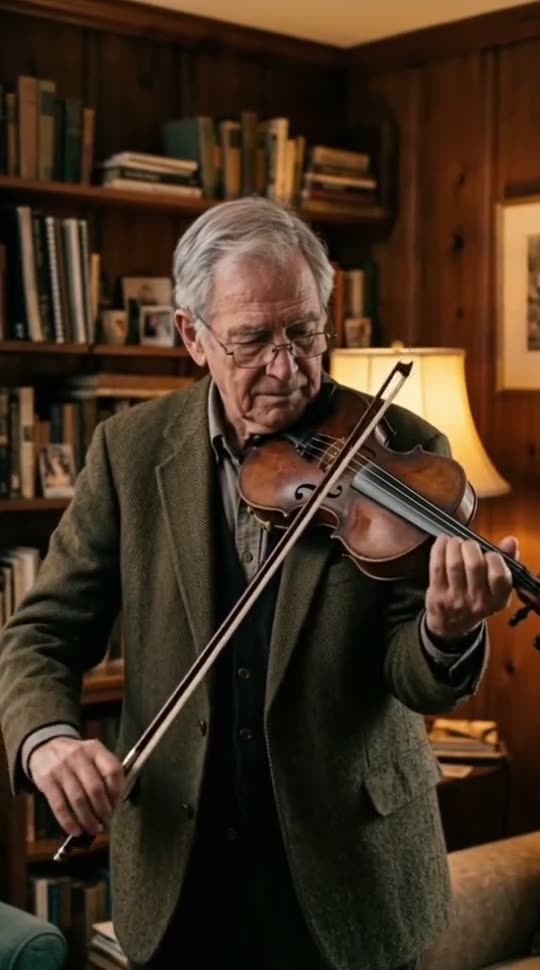 ShengshuVidu Q4Pro105 credits · 5–10s
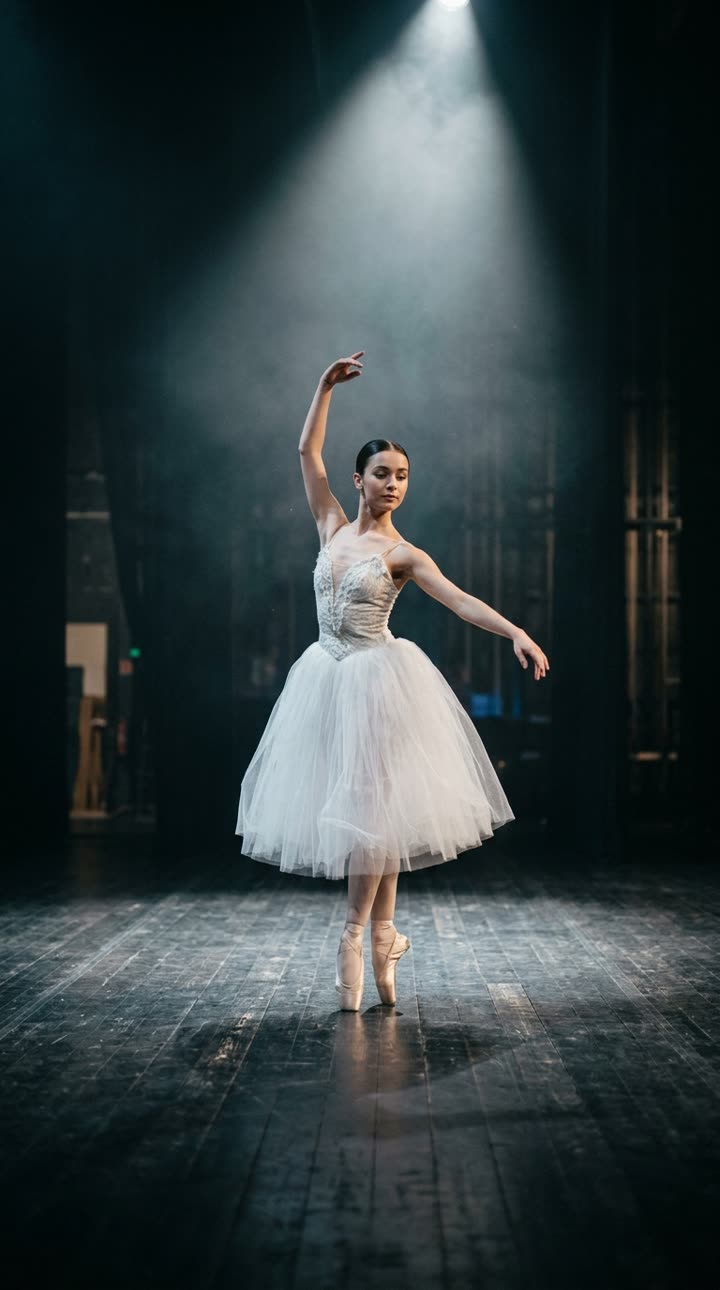 HappyHorseHappyHorse 1.1Cinematic60 credits · 5–10s
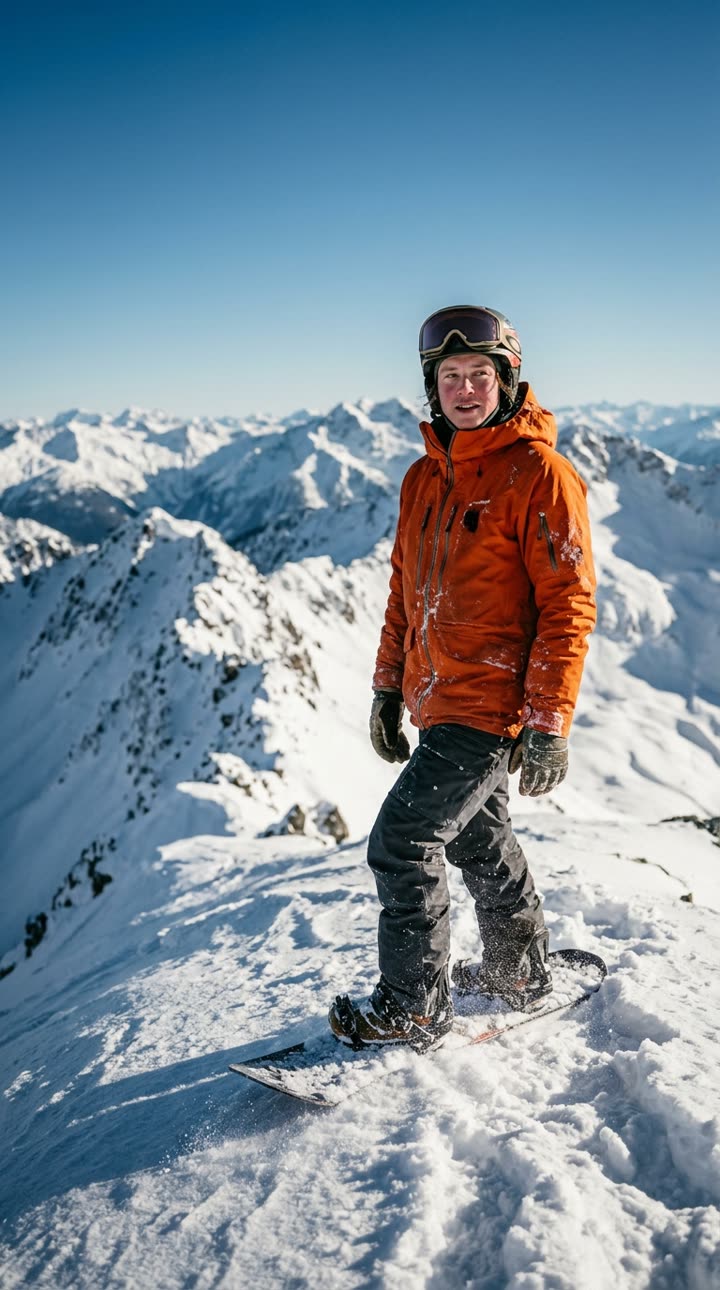 LightricksLTX 2.5 ProCinematic60 credits · 6–10s
How it works
- 1
Upload a photo
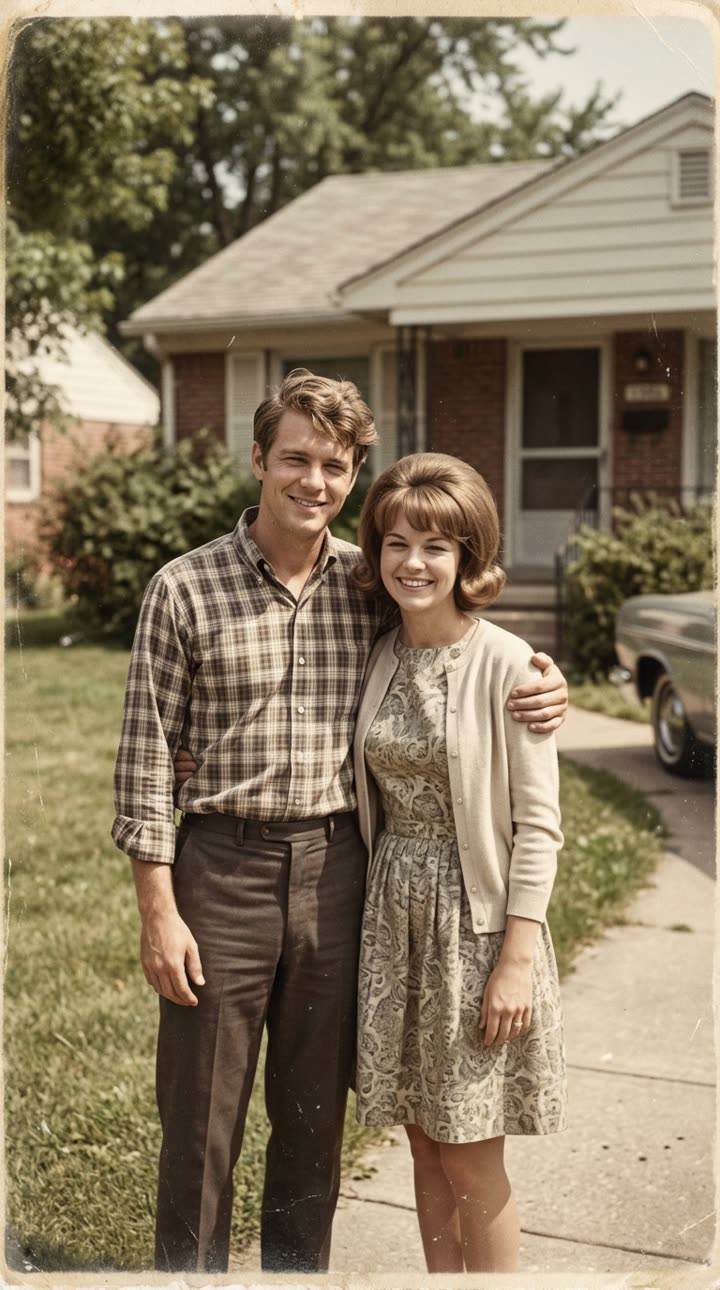
A portrait, a pet, an old family picture or a product shot. Add an end image if you want the clip to land somewhere specific.
- 2
Describe the motion
One sentence is enough. Tap Enhance to add camera and lighting details for you.
- 3
Pick a model and go
A good default is already picked. Switch models any time; the button shows the exact credits before you start.
Simple credit packs
One-time payment, credits never expire. If a video fails, the credits go back automatically.
Standard
15
credits ≈ $0.74
Pro
60
credits ≈ $2.97
Cinematic
160
credits ≈ $7.92
Starter
Try a few videos
$9.90
200 credits
≈ 13 standard videos or 1 trend effects
- Credits never expire
- All video lengths
- HD MP4 download, no watermark
- Automatic refund on failed renders
Creator
For regular posting
$29.00
700 credits
≈ 46 standard videos or 4 trend effects
- Credits never expire
- All video lengths
- HD MP4 download, no watermark
- Automatic refund on failed renders
Studio
For heavy use and teams
$59.00
1600 credits
≈ 106 standard videos or 10 trend effects
- Credits never expire
- All video lengths
- HD MP4 download, no watermark
- Automatic refund on failed renders
Prices in USD. Taxes are calculated at checkout by our payment partner.
Refund on failure
Failed generations return their credits automatically.
One free redo
Redo any finished clip once with the same settings.
14-day refund on unused packs
A credit pack with no credits used can be refunded within 14 days of purchase.
What is Clipanimo?
Clipanimo is an image to video AI website. You upload one photo, describe the motion in a sentence, pick one of 15 models such as Kling, Seedance or Grok Imagine, and get a short video in 1 to 5 minutes. Videos start at $0.74, there is no subscription, and credits for failed videos are refunded automatically.
Image to video AI: common questions
What is image to video AI?
It is a model that takes a still picture and predicts how it would move, then renders a short video. Clipanimo gives you several of these models (Kling, Seedance, Grok Imagine, Wan, Vidu, MiniMax and PixVerse) in one place.
Is there a free plan?
No. Every video costs real compute, so we sell small one-time credit packs instead of a free tier with watermarks. The smallest pack is $9.90 and your credits never expire.
How many credits does one video take?
Each model has its own credit price based on what it really costs to run, and trend effects cost 75–180 depending on length. The button always shows the exact number before you generate.
What happens if a video fails?
If the model returns an error or times out, the credits are returned to your balance automatically. You can see the refund in your credit history.
What if I do not like the result?
Each finished image-to-video clip can be redone once for free with the same photo and settings. If the pack has no credits used, you can get a refund within 14 days of purchase.
Can I turn photos into video with sound?
Yes. Some models always add sound, some let you switch it on or off, and some are silent. The generator shows which is which.
Which photos work best?
Clear, well-lit photos with one main subject. Faces should be visible and not too small. Very dark, blurry or heavily cropped photos give weaker motion.
Can I use the videos commercially?
You own the clips you make and can use them in your own content, subject to our terms and the content rules. Do not upload photos of people without their permission.
What is not allowed?
No face swaps onto other people, no nudity or sexual content, no photos of minors, and nothing meant to deceive or harass. Every clip is labeled as AI-generated.